
Ecoride

Ecoride
driver payments.

Understand payout cadence, digital payouts, and how to keep your payout method ready before the next earning window.

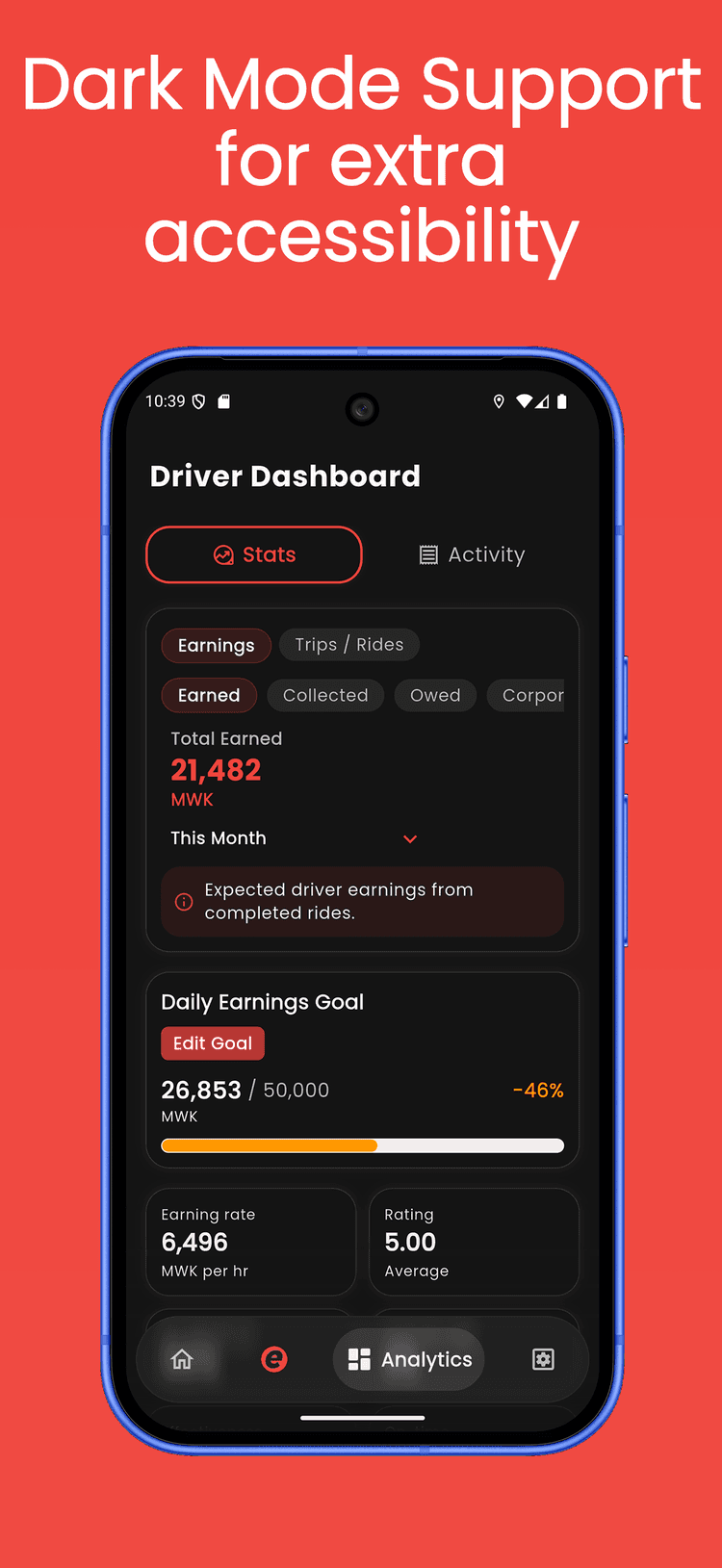
Ecoride Driver dashboard preview

Payment basics

The money flow, from completed trip to payout method

Driver payments are easier to trust when the difference between cash collection, digital settlement, and payout method setup is clear.

Cadence

Know when digital earnings move

Completed digital trips are reviewed, cleared, and released through the active Ecoride payout window shown to drivers.

  • Digital trip earnings are tracked in your driver balance
  • Cleared balances move during the payout window
  • Payment provider timing can affect exact arrival

Cash

Cash trips work differently

When a rider pays cash, the money is collected during the trip. Digital payout timing only applies to trips paid through the app.

  • Cash trips are visible in your activity history
  • Digital trips move through settlement before payout
  • Adjustments can apply when a trip needs review

Methods

Keep your payout method current

Your selected payout method tells Ecoride where to send cleared digital earnings. Keep the details accurate before the next payout window.

  • Add payout details from the driver app
  • Set the method you want to use as default
  • Review names and numbers before saving

Digital payouts

How app-paid trips become money in your selected account

Digital payouts follow a clear path in the driver app: paid trip, reviewed balance, released payout, then provider delivery.

1

Trip paid digitally

The rider pays in the app, and the completed trip is attached to your driver earnings.

2

Balance is reviewed

Ecoride reconciles completed digital trips, fees, support adjustments, and any trip review items.

3

Payout is released

Cleared digital earnings are sent to the payout method selected in your driver account.

4

Method receives funds

Your mobile money or bank provider finishes delivery according to its own processing timing.

How to add payout methods

Update where your digital earnings are paid

Use the recording to follow the exact path in the driver app, then confirm the new method before your next payout window.

Recording slot

Add the R2 object URL to NEXT_PUBLIC_DRIVER_PAYOUT_METHODS_VIDEO_URL to show the payout method recording here.

In the app

Add the method, then make it default

Open the Ecoride Driver app and go to your account area.

Choose Payments or Payout methods.

Add the mobile money or bank details you want to receive payouts through.

Review the account name, number, and provider before saving.

Set the new method as your default method for future payouts.

Keep the old method active until any pending payout is complete, then remove details you no longer want to use.